

A budget app that never asks for your bank login
Why skip the bank connection
Most budget apps start by connecting to your bank. That gives the app, and usually a data company behind it, access to every transaction from then on. Some banks still connect by your username and password. Connections drop and ask you to sign in again, and plenty of smaller banks and credit unions are not supported at all.
Your bank already gives you a complete record every month: the statement. StatementBear reads that file and builds the budget from it. You choose what it sees, one statement at a time.
Linking your bank vs uploading a statement
Uploading a statement
You share one file you downloaded yourself
Any bank that gives you a PDF or CSV, in any country
Nothing to reconnect
As many past months as you have statements
Up to date with each monthly statement
Stop by deleting your account and its statements
Linking your bank
Ongoing access to your account, through a data company or your login
Only the banks the data company supports
Connections expire and ask you to sign in again
Usually 90 days to two years of history
Updates through the day
Revoke access at the app and again at the bank
One statement a month is all it needs

01
Download your statement
From your bank's app or website, usually under Statements or Documents. A PDF or a CSV export.
02
Upload it
Every transaction is read and sorted in under a minute. Set a monthly budget and split it across categories.
03
Add each month
A reminder asks for the next statement. On Pro, forward the bank's email and it is read for you.
01
Download your statement
From your bank's app or website, usually under Statements or Documents. A PDF or a CSV export.
02
Upload it
Every transaction is read and sorted in under a minute. Set a monthly budget and split it across categories.
03
Add each month
A reminder asks for the next statement. On Pro, forward the bank's email and it is read for you.
What you get from one statement
Spending by category
Groceries, bills, dining, transport and the rest, with every payee named.
A monthly budget
Each category against its share of the budget, every month.
Subscriptions and bills
Every recurring charge priced per year, and the bills due next month.
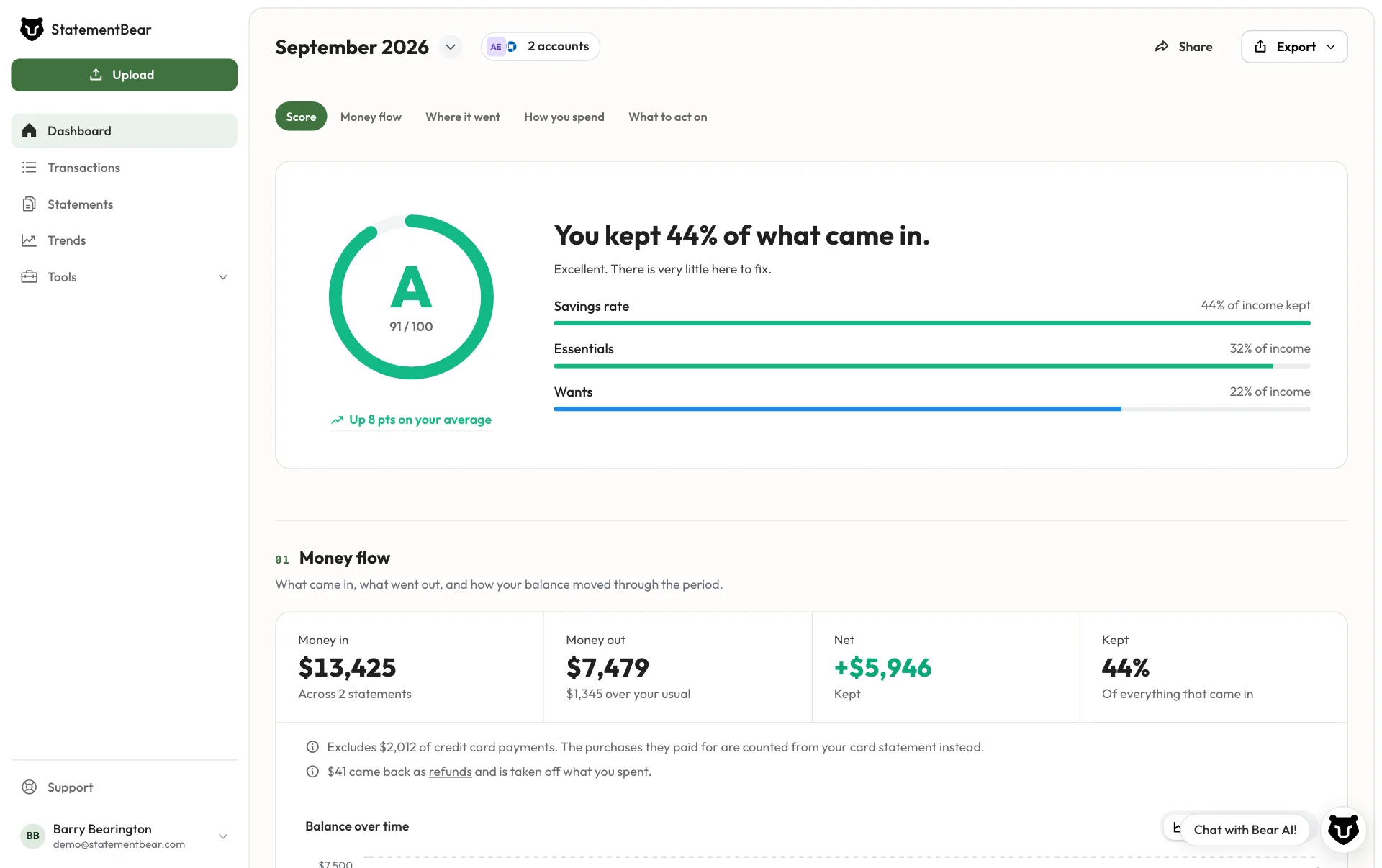
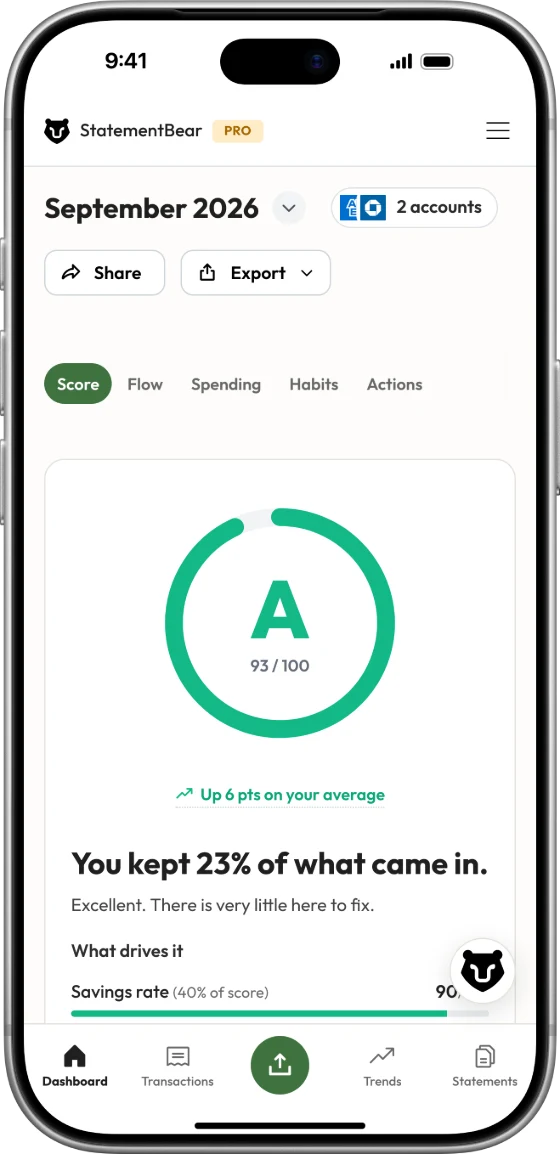
A grade for the month
A to F from your savings rate, essentials and everything else.
Trends
Each category month by month, and what changed since last month.
A bills calendar
Upcoming bills in Google, Apple or Outlook calendar, if you want them there.
Frequently asked questions
Your budget, without your bank login
Upload your first statement for free. No credit card needed.
Takes under a minute